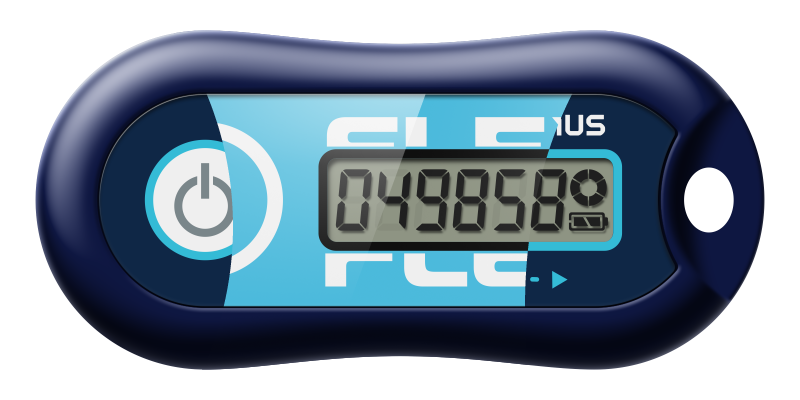
Hardware TOTP Tokens for Two-Factor Authentication
Choose a token to suit any need
Choose a token to suit any need
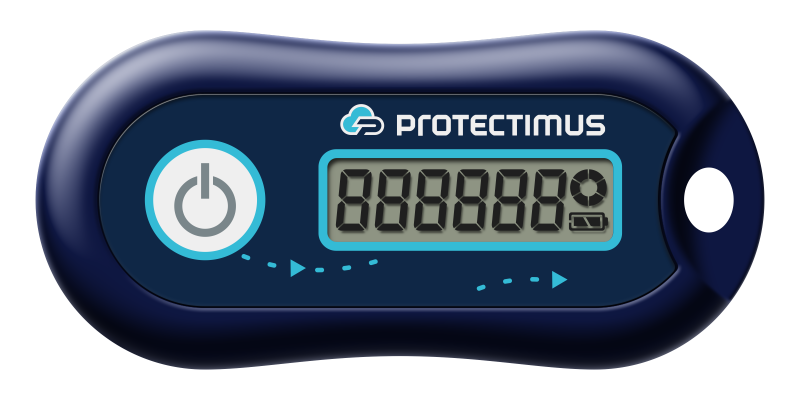
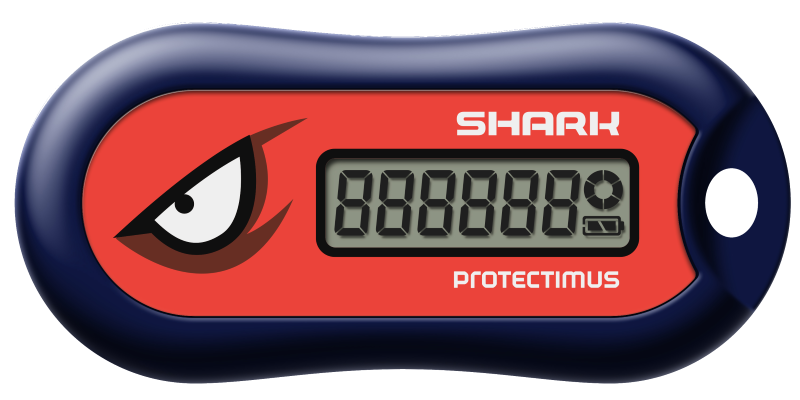
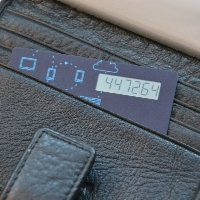
A time-based one-time password (TOTP) is a temporary authentication code generated from a shared secret key and the current time. Under the RFC 6238 standard, the hardware token and authentication server independently calculate the same code for a fixed interval, usually 30 or 60 seconds. Each code expires automatically and is replaced by a new one. A hardware TOTP token works without SMS delivery, a mobile network or an internet connection, providing a separate possession factor for secure two-factor authentication.
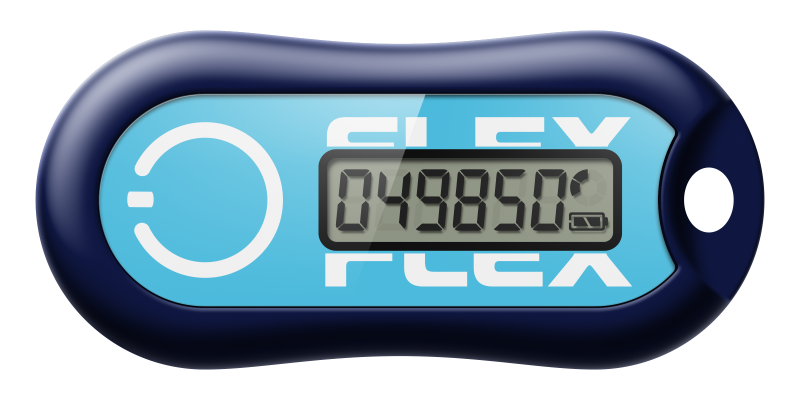
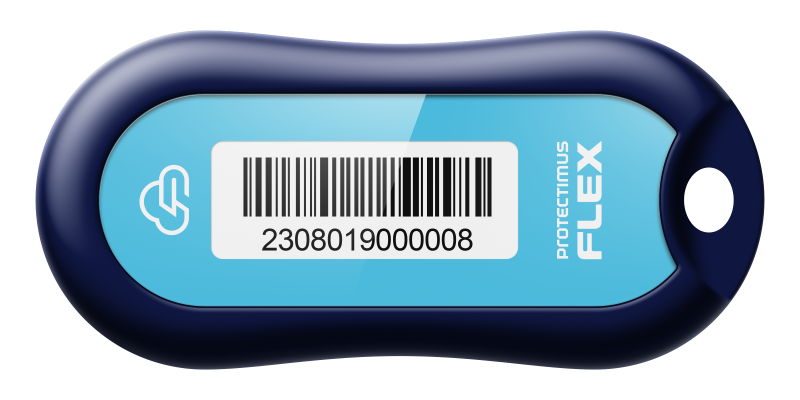
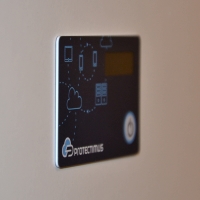
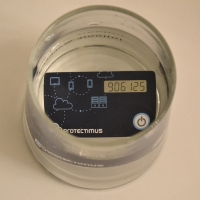
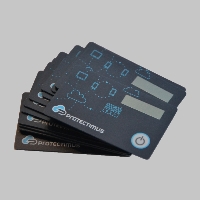
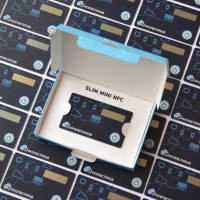
Hardware TOTP tokens can secure Microsoft 365, Azure MFA, Google accounts, Okta, Duo, VPN access, remote desktops, Wi-Fi networks, web applications and other systems that support OATH TOTP authentication. During sign-in, the user enters the current code displayed by the token after entering the account password. Classic hardware tokens use a pre-installed secret key, while programmable Protectimus Flex, Slim and Slim mini tokens can receive a compatible secret key from the service through an NFC-enabled Android phone.
Protectimus Flex, Slim and Slim mini can be programmed or reprogrammed with an NFC-capable Android smartphone.
1. Install Protectimus TOTP Burner or Protectimus Smart.
2. Scan the QR code containing the secret key with the app.
3. Press the button on the token and place it near the NFC antenna and tap "Continue".
4. Generate an OTP with the token and enter it into the service where you're setting up 2FA.